

3DFils Blog
3D Printing Blog & Filament Tips
PLA, PETG, TPU and ASA Filaments explained directly from the factory. Temperature, retraction, printer compatibility, and solutions for the most common errors — with real manufacturer data, not theory.
- by Pablo Valero
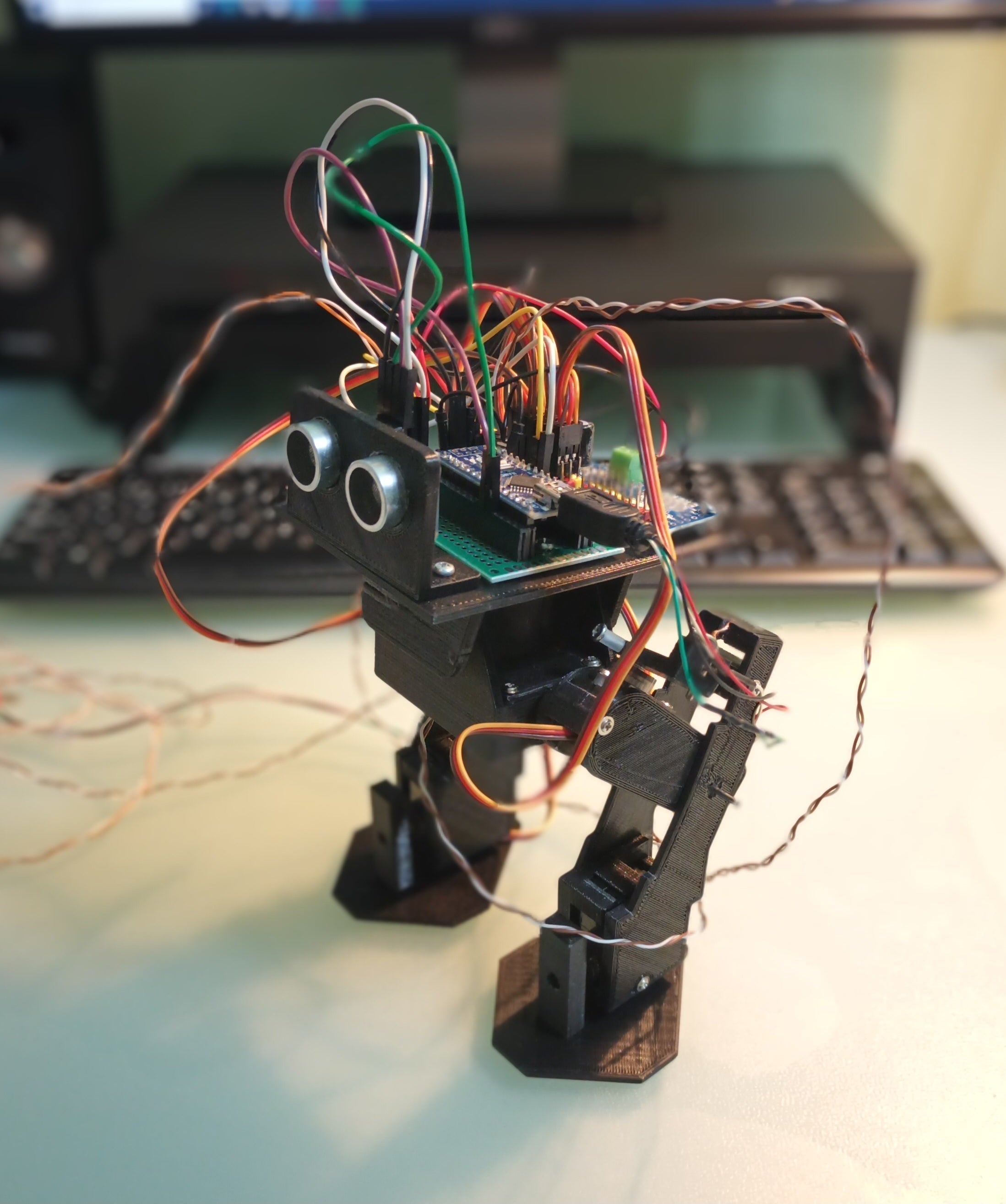
From Idea to Reality: A 3D Printed Bipedal Robot with esFil PLA MAX
At 3Dfils, we are passionate about projects where filament stops being a spool and becomes a functional product. This is one of those cases. A maker, Miguel Torres Gordo, set himself a classic challenge in the world of DIY robotics: to design, print, and program from scratch a bipedal robot capable of balancing, walking, and detecting obstacles. The entire chassis, legs, electronic supports, and cams were made with our esFil PLA Max Black, FDM printed with an ANYCUBIC Mega S.
Read moreabout From Idea to Reality: A 3D Printed Bipedal Robot with esFil PLA MAX
- by Pablo Valero
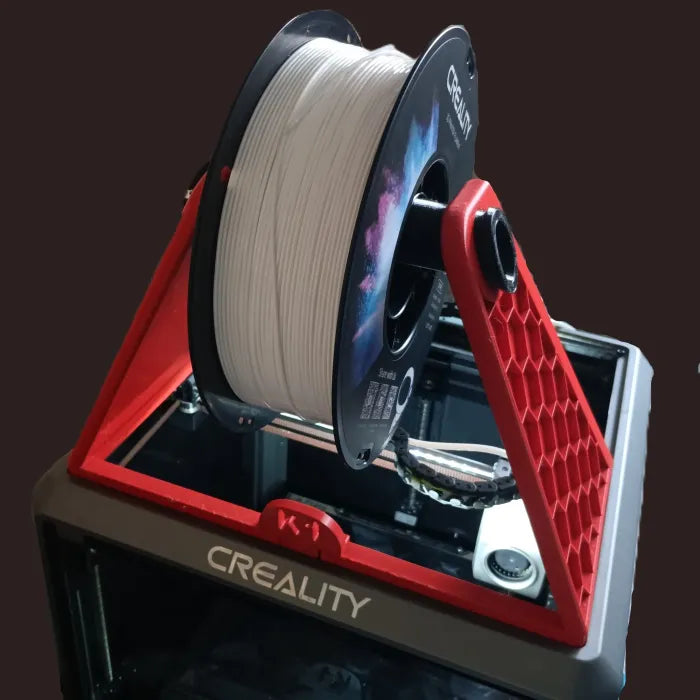
How to print TPU filament on your Creality K1, K1 MAX, K1C, K1SE, and K2: Complete guide and profile
- by Pablo Valero
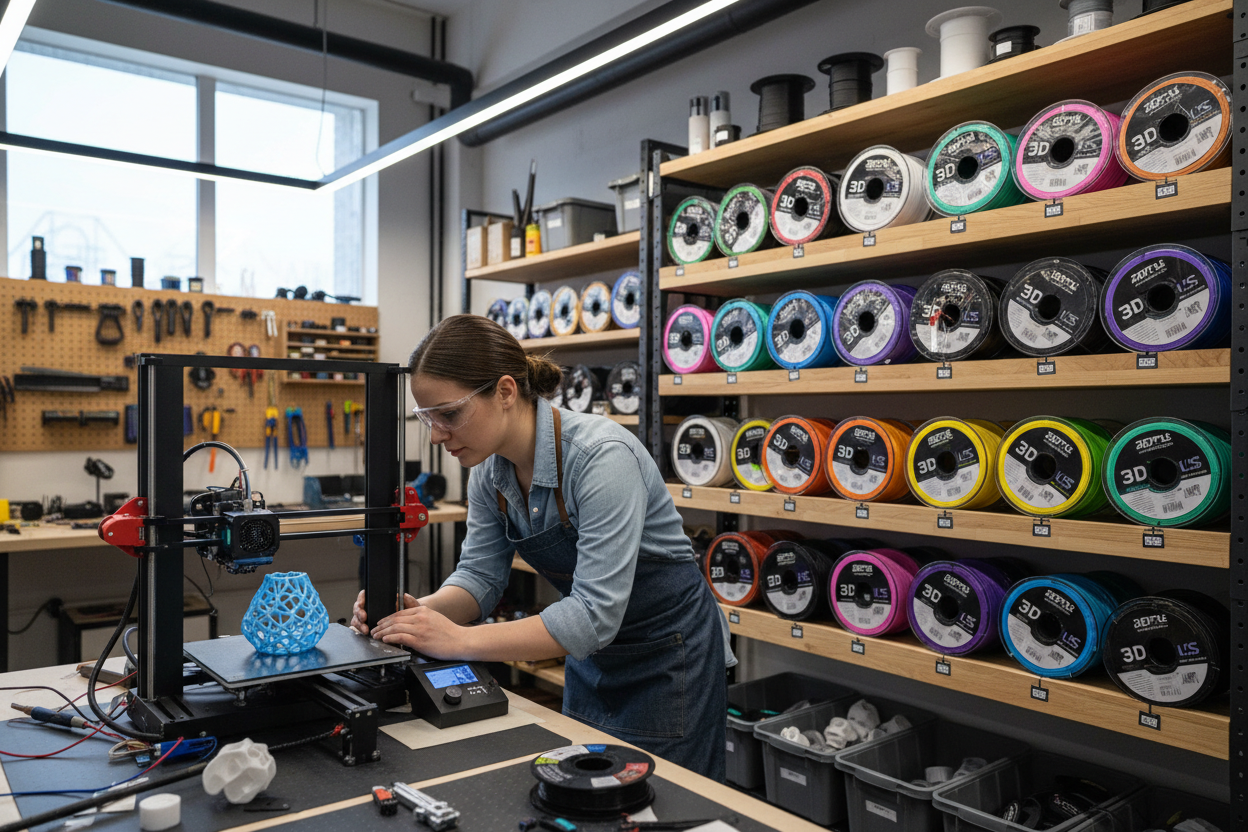
What is 3D printer filament and how do you use it?
Read moreabout What is 3D printer filament and how do you use it?
- by Pablo Valero
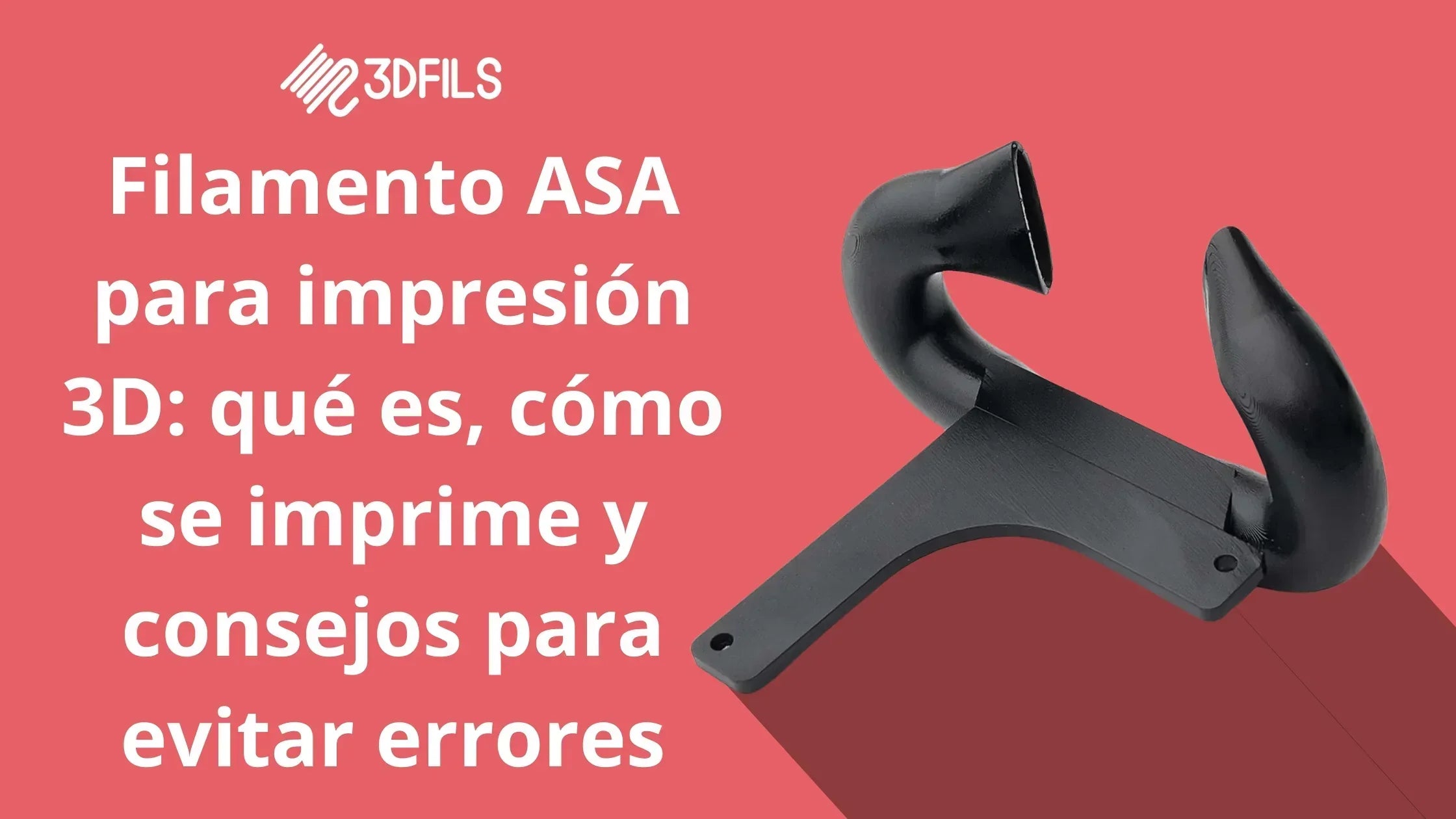
ASA filament for 3D printing: what it is, how to print it, and tips to avoid mistakes
Read moreabout ASA filament for 3D printing: what it is, how to print it, and tips to avoid mistakes
- by Pablo Valero
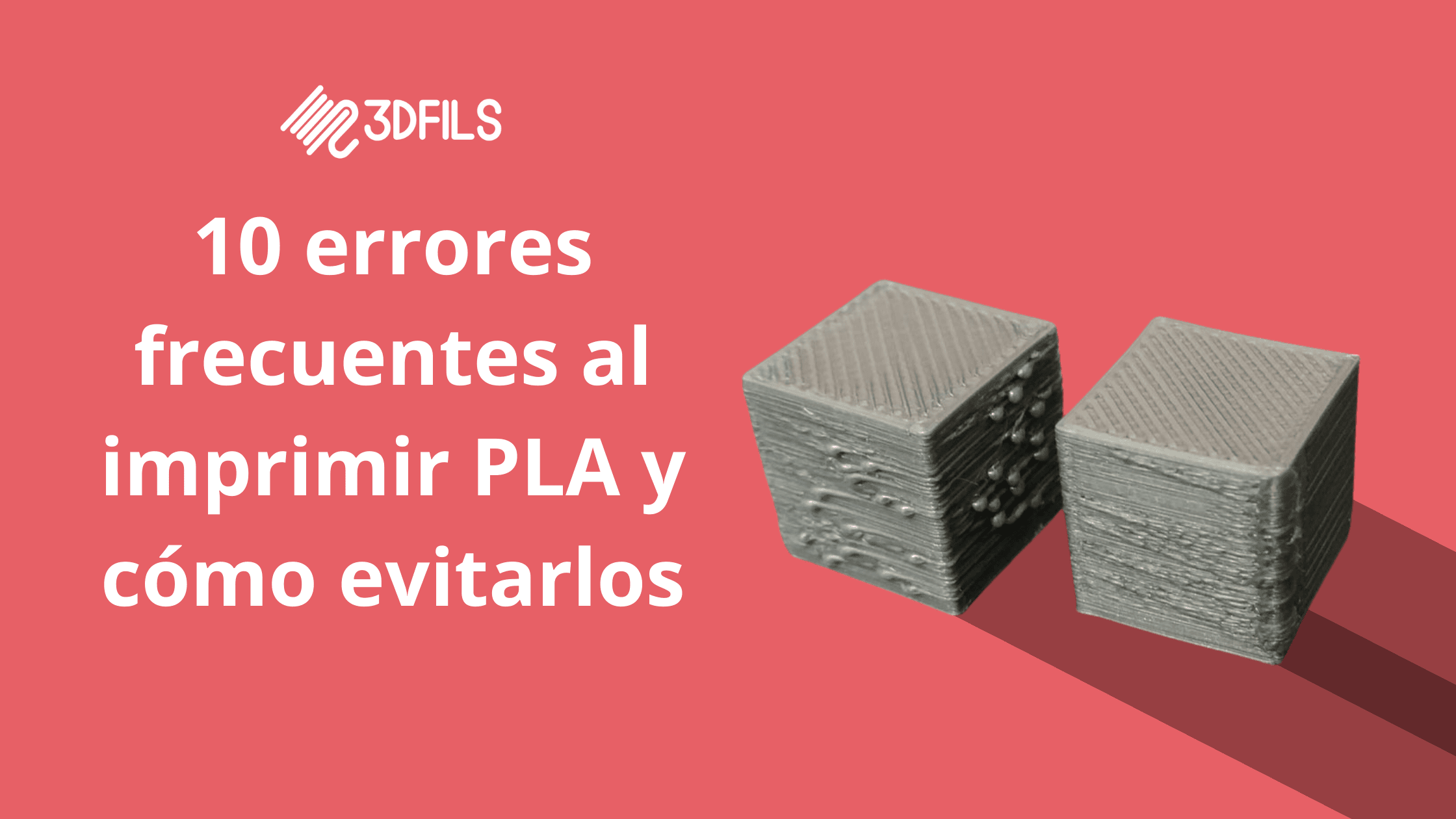
Common PLA Printing Problems and How to Fix Them
Read moreabout Common PLA Printing Problems and How to Fix Them

- by Pablo Valero
How to print flexible TPU filament on a Bambu Lab printer
Bambu Lab 3D printers are known for their innovation and quality in the home printer market. Discover how to achieve amazing results when printing with flexible TPU filament on these printers.
Read moreabout How to print flexible TPU filament on a Bambu Lab printer
- by Pablo Valero
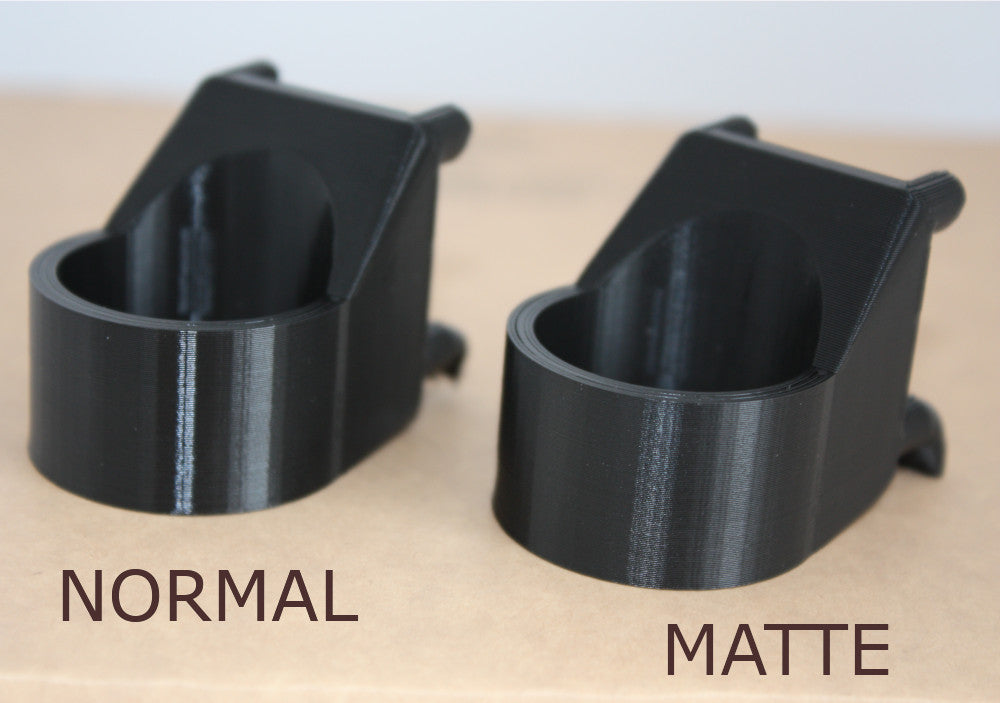
How to Print PETG Matte: Settings and Recommendations for Perfect Results
Discover how to print matte PETG with your 3D printer. Learn how to set temperature, speed, and ventilation for professional finishes, and discover the Matte PETG filament that simplifies the entire process. Give your prints an elegant touch!
Read moreabout How to Print PETG Matte: Settings and Recommendations for Perfect Results

- by Pablo Valero
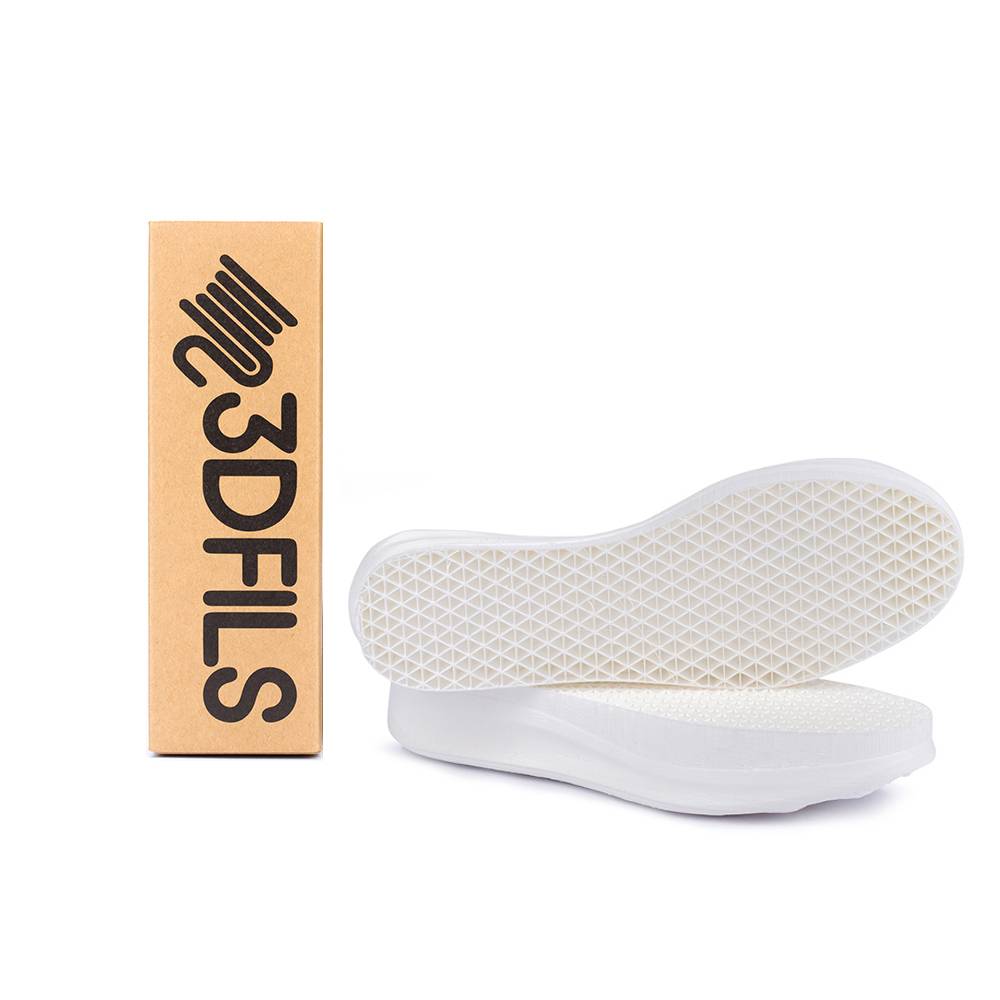
How to set up support for flexible filaments?
As you all know in the 3D printing Objects are built layer by layer. This means that each layer supports the next layer. This next layer may not exactly match the previous one, which means that part of the layer is exposed, i.e., not supported by the previous layer.
There is a point where this is not possible because the upper layers do not have enough support on the lower ones. This occurs when we exceed a 45º angle. To solve this problem and ensure the part holds up during printing, we need to use the support structures.
Read moreabout How to set up support for flexible filaments?
- by Pablo Valero
What do I need to print with flexible filament?
Printing flexible filament is more complicated than working with rigid filaments. By their very nature, they present various challenges when used, especially if you don't have a 3D printer designed to work with them. However, with a good 3D printer configuration, it's very easy to achieve great results at a good printing speed.
In this blog, you'll find everything you need to work with flexible filament on your 3D printer. If you find anything missing, don't hesitate to contact us.
Read moreabout What do I need to print with flexible filament?
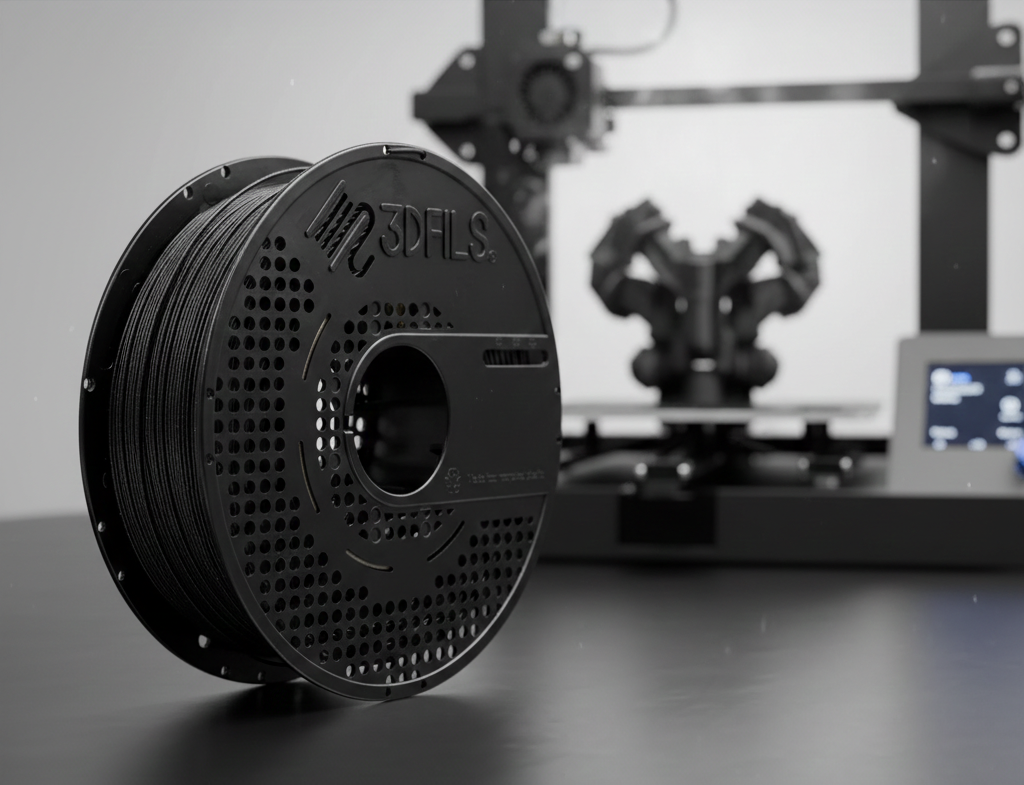
From the lab to your printer
Everything you read here is first applied in our factory. We manufacture each spool in Alicante with diameter, roundness, and humidity control for each batch — so that the parameters you see in these guides are the same ones you'll encounter when printing.